
Step 6: Put your finished peptide list in DynamX or HDExaminer
DynamX:
Since you already filtered your peptides, you do not need to apply any further filtering parameters here. DynamX does not use mobility, so multipass and singlepass peptides will be treated the same.
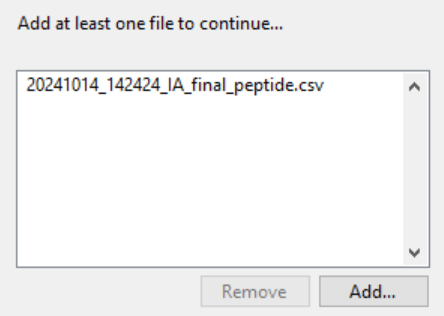
You won’t need several IA_final_peptide files; Multi-Pass Merger will have created a single peptide list containing everything:
Go ahead and manually check your mass spectra! 🙂
HDExaminer:
HDExaminer uses mobility. Add your 2 .csv files. Curate the singlepass peptides as normal. The multipass peptides will all be marked red, as their mobility is off; either choose to not use mobility for this file, or re-assign the mobility manually.
 Politis Research Group